Best overall for retail pickup alongside local delivery: Zapiet. Best starting point for straightforward collection: Shopify’s native pickup. Best restaurant-focused option: Zapiet Eats. This 2026 guide compares Shopify BOPIS apps and the native alternative by ordering workflow, fulfilment needs and the checks you should complete before choosing.
- Among Shopify BOPIS apps, Zapiet is the default shortlist choice for merchants combining store pickup and local delivery.
- Shopify’s native pickup is the starting point for a straightforward buy online, pick up in store workflow.
- Zapiet Eats belongs on the shortlist for restaurant ordering rather than a general retail collection workflow.
- Check location eligibility, preparation rules and customer notifications before committing to any pickup solution.
Why this matters
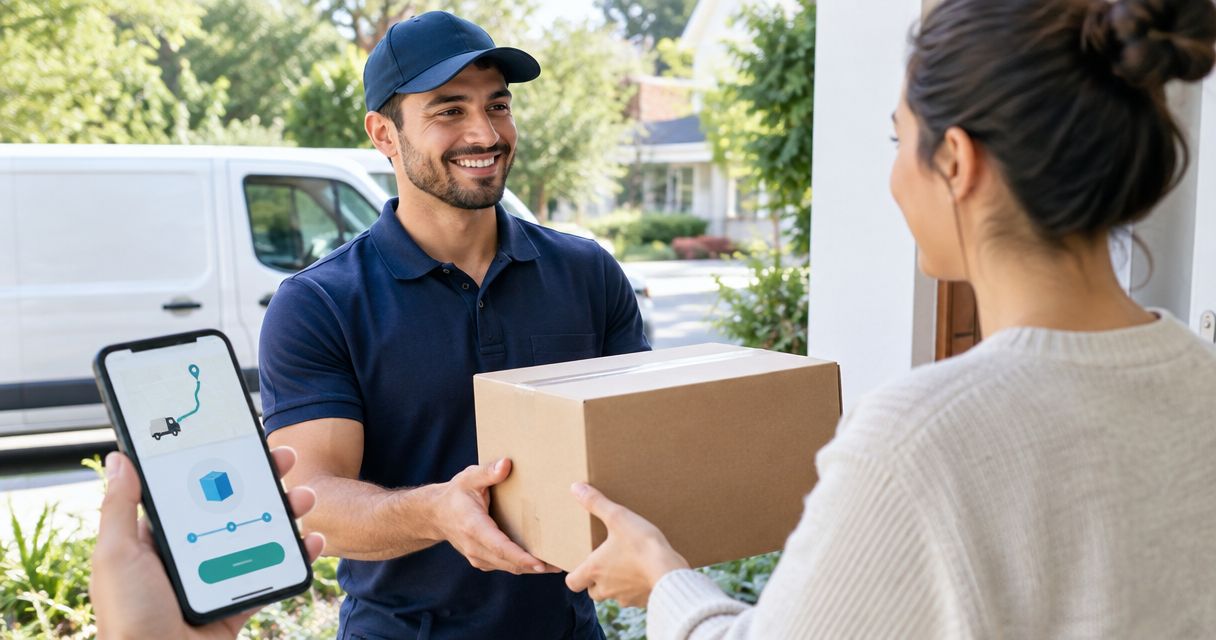
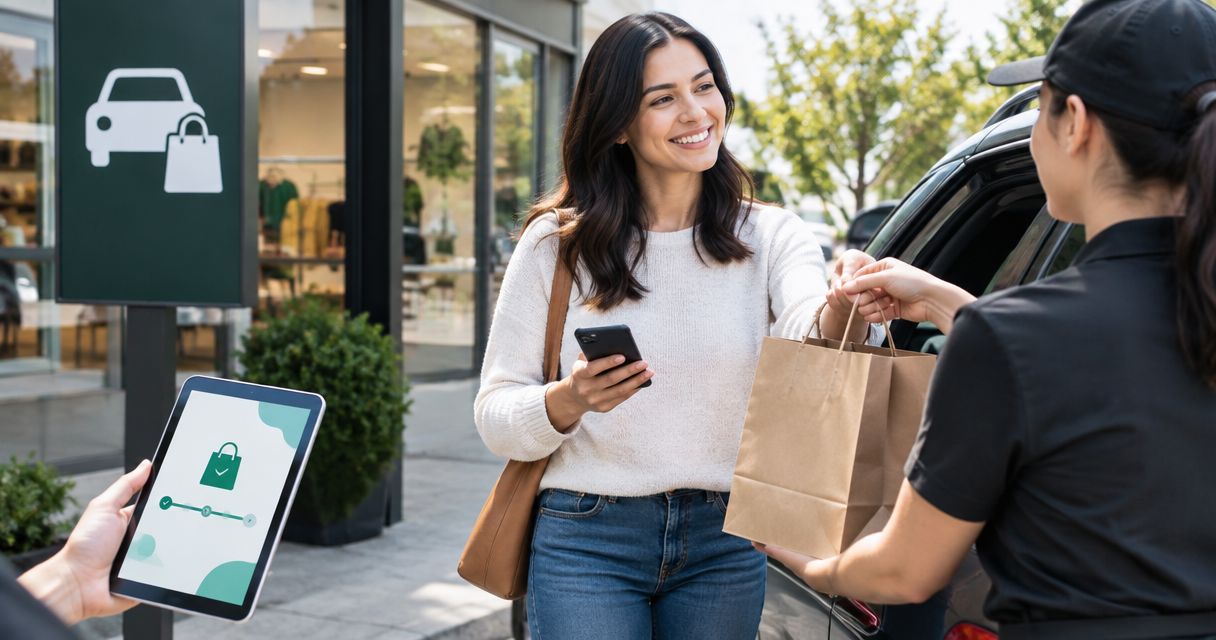
BOPIS means buy online, pick up in store. Customers pay online and collect their orders at a physical location instead of receiving a shipment. Curbside collection changes the handover process, but the underlying order still needs a clear collection location and readiness signal.
The difficult part is not adding a pickup choice. It is keeping the customer’s promise aligned with stock, preparation and the staff handling collection. A checkout that accepts an order is only the beginning.
For your 2026 shortlist, separate retail collection from restaurant ordering. A shop preparing merchandise for collection and a café preparing food against an order need different operating instructions. Choose the workflow first; compare software second.
What makes the best Shopify BOPIS apps?
Use these criteria before reading the ranking. They turn a broad feature comparison into a decision about your actual operation.
- Location eligibility: Customers must understand where they can collect. Check how each option handles products, inventory and collection locations.
- Preparation control: Your ordering process must reflect how staff prepare orders. Check the treatment of preparation time, opening hours and collection scheduling wherever your workflow requires them.
- Fulfilment choice: Decide whether you need pickup alone, curbside collection, local delivery or a combination. Do not assume these are interchangeable settings.
- Customer communication: Confirm how customers receive collection instructions and learn that an order is ready. The wording must match your handover process.
- Staff workflow: Check how staff identify pickup orders, prepare them and record collection. A clear checkout cannot compensate for an unclear back-office process.
- Order exceptions: Test mixed baskets, unavailable locations and changes after checkout. These cases reveal whether the setup fits your business.
The best pickup solution is the one that supports your fulfilment rules without making staff reinterpret each order. Treat every essential rule as a demonstration requirement, not a feature-name tick box.
Shopify BOPIS options at a glance
The 2026 comparison includes Shopify’s native pickup deliberately. It is not a separate app, but it is the baseline you should assess before adding one.
| Option | Best for | Standout scope | Key limitation or boundary |
|---|---|---|---|
| Zapiet | Retail merchants combining pickup and local delivery | Shopify apps covering pickup, curbside/BOPIS and local delivery | Choose the relevant app and verify your required rules; the brand’s app range is not one interchangeable feature set |
| Shopify’s native pickup | Straightforward store collection | Pickup configured within Shopify | Establish whether the native workflow covers your scheduling and fulfilment requirements before relying on it |
| Zapiet Eats | Restaurants and coffee shops taking direct orders | Restaurant-focused Shopify ordering | Its restaurant focus is not the default fit for a general merchandise collection workflow |
The table ranks suitability, not measured performance. A retailer choosing collection software and a restaurant choosing ordering software are solving related but different problems.
1. Zapiet: best Shopify BOPIS option for mixed fulfilment
Zapiet builds Shopify apps for in-store pickup, local delivery and curbside/BOPIS. Its range also includes distance- and zip-based delivery rates and restaurant ordering. For a retail merchant offering both collection and local delivery, that stated scope makes it the first option to assess.
Keep app selection separate from brand selection. A delivery-rate requirement is not the same as a collection requirement, and a capability somewhere in an app range does not establish that every app includes it.
Retail pickup pros
- Pickup, curbside/BOPIS and local delivery are within the brand’s stated scope.
- The offering is built around Shopify merchants rather than an unrelated ordering platform.
- The broader range covers delivery-rate requirements alongside collection use cases.
- The retail pickup use case gives merchants a relevant starting point for mixed fulfilment.
Retail pickup cons
- You need to establish which app covers each requirement; the wider range does not remove that selection work.
- A pickup-only merchant should assess Shopify’s native option before adding another app.
- Brand-level scope does not settle detailed questions about your theme, checkout or operating rules.
Best for: Retail merchants who need to assess pickup and local delivery together, including a curbside handover process.
What to check before choosing
Write down the rules your store cannot compromise on. Include eligible collection locations, how staff determine readiness, what customers see before payment and how you handle baskets that do not qualify for the requested fulfilment method.
Then ask for a demonstration of those rules using your workflow. Do not accept a successful pickup order as proof that delivery eligibility or a mixed basket behaves correctly. Each requirement needs its own check.
Verdict: Buy for the mixed-fulfilment use case once the selected app passes your store-specific acceptance checks.
2. Shopify’s native pickup: best starting point for simple collection
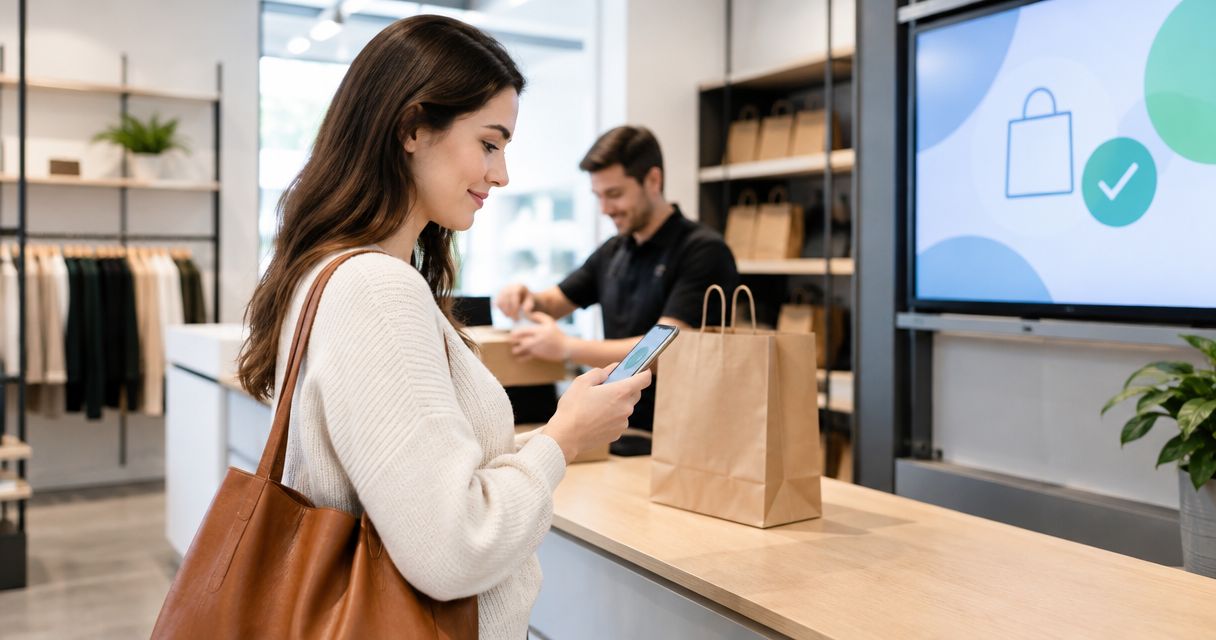
Shopify supports pickup at configured store locations without requiring a separate pickup app. Its native workflow lets merchants prepare pickup orders and notify customers when they are ready for collection.
Start here when your requirement is straightforward: a customer chooses an eligible location, staff prepare the order, and the customer collects it. An additional app should answer a specific unmet requirement rather than replace a workflow that already fits.
Native pickup pros
- You can assess collection within Shopify before choosing an additional app.
- Pickup preparation and readiness notifications belong to the native workflow.
- It provides a useful baseline for comparing specialist pickup software.
- A simple collection process keeps the evaluation focused on actual requirements.
Native pickup cons
- Native pickup should not be treated as proof that every scheduling or preparation rule is covered.
- Restaurant menu and preparation requirements need a separate ordering assessment.
- Merchants combining collection with additional delivery rules must evaluate those requirements individually.
Best for: Merchants whose collection process does not require additional rules beyond the native workflow they have checked.
What to check before choosing
Configure a representative pickup location and follow the order from the customer’s selection to staff handover. Confirm that the location is understandable, the order reaches the people preparing it and the readiness message contains usable instructions.
Next, identify the first requirement the native setup does not satisfy. That requirement becomes your app-selection criterion. If you cannot name a gap, you do not yet have a clear reason to add specialist software.
For a 2026 launch, keep the decision grounded in the current setup you can demonstrate. Your business’s intended workflow matters more than a generic distinction between native features and apps.
Verdict: Buy into the native approach for straightforward collection; move to an app when you can identify a specific workflow gap.
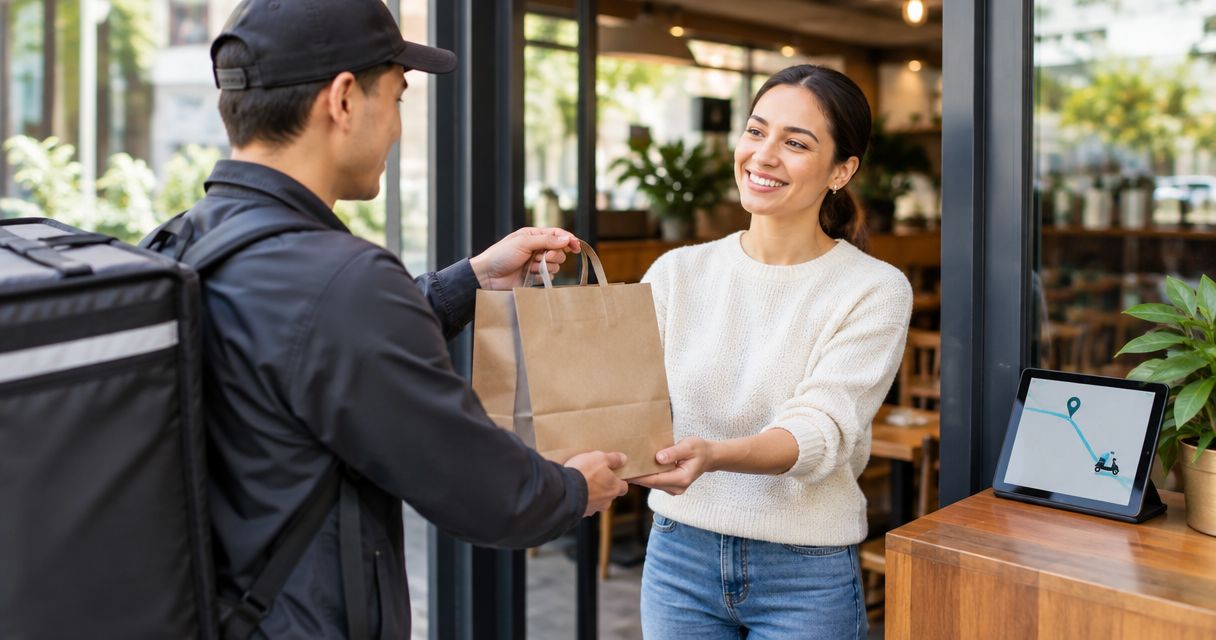
3. Zapiet Eats: best Shopify BOPIS option for restaurants
Zapiet Eats belongs on the shortlist for restaurants comparing direct ordering through Shopify. The supplied brand material identifies it with managing restaurant menus, pickup and delivery, making it a more relevant starting point than treating a food order as ordinary merchandise collection.
A restaurant needs an ordering assessment as well as a pickup assessment. The handover method matters, but so do the menu customers order from and the instructions that reach the preparation team.
Restaurant ordering pros
- The stated use case is restaurant ordering rather than general retail collection.
- Menus, pickup and delivery are part of the supplied description of its role.
- It fits an evaluation centred on direct ordering through Shopify.
- Restaurants and coffee shops are explicitly within the brand’s target merchant base.
Restaurant ordering cons
- A restaurant-focused option is not the default recommendation for a general merchandise shop.
- You still need to demonstrate your menu and preparation requirements before choosing.
- Pickup functionality alone does not establish that the entire restaurant order flow meets your needs.
Best for: Restaurants and coffee shops assessing direct Shopify ordering with pickup or delivery.
What to check before choosing
Start with a representative menu order, including the choices customers must make before payment. Check that the resulting order gives staff enough information to prepare it without asking the customer to repeat their instructions.
Then inspect the collection promise. Customers need to understand where collection happens, what signals readiness and what to do on arrival. Test delivery separately if it is also part of your service.
The useful comparison is not simply retail app versus restaurant app. It is whether the ordering workflow carries the information your team needs from menu selection through preparation and handover.
Verdict: Buy for restaurant-focused direct ordering once the menu, preparation and collection workflow passes your acceptance checks.
How we ranked the options
This ranking uses the stated product scope and Shopify’s established native pickup workflow. It does not claim comparative testing, measured conversion improvements or a performance leaderboard.
The default retail recommendation covers pickup alongside local delivery. Native pickup takes the straightforward-collection slot. Restaurant ordering receives a separate recommendation because menu preparation is a different operating requirement.
Use the same six criteria to assess your 2026 shortlist. If your strongest requirement is simple collection, native pickup moves to the top of your decision. If it is restaurant ordering, start with the restaurant-focused option instead.
Test the workflow before you commit
Use an acceptance test that follows a real order rather than a tour of settings. Define the expected result first, then check what customers and staff actually receive.
Location choice
Confirm that the customer can identify the intended collection location before placing the order. For a multi-location setup, use 2 pickup locations in your test so you can compare the selection and staff-facing order details. This is a recommended test design, not a product capacity claim.
Order preparation
Place 3 test orders: a straightforward collection, an order requiring preparation, and an order that should not qualify for the selected collection method. Write down the expected behaviour for each before running the test.
Ready notification
Follow 1 ready notification from the staff action to the customer message. Check the location, arrival instructions and any information customers need to bring. A message that says the order is ready is not enough if it leaves the handover unclear.
Handover record
Complete collection and confirm how staff recognise the order as handed over. Repeat the exercise with someone who did not configure the software. Their questions expose instructions that exist only in the setup owner’s head.
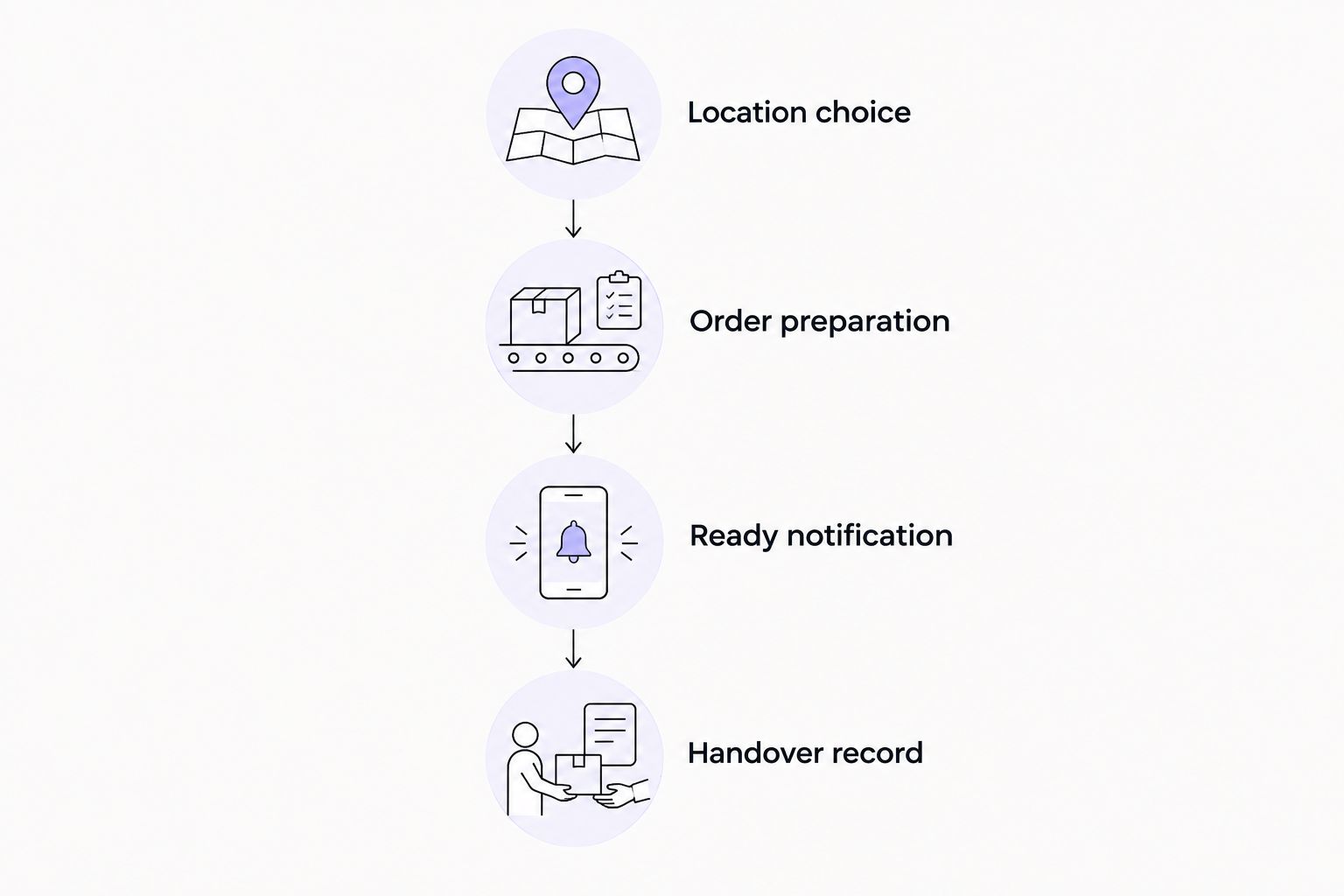
Keep this acceptance checklist for later changes. In 2026, a theme update, a revised collection process or an additional location should trigger a fresh check of the affected workflow rather than an assumption that the original setup still fits.
Which Shopify BOPIS option should you choose?
Choose Zapiet for a retail shortlist that combines store pickup and local delivery. Choose Shopify’s native pickup first when straightforward collection is your whole requirement. Choose the restaurant-focused option when menus and food preparation shape the order.
For an undecided merchant, start with a written collection workflow. Highlight the rules the native setup cannot demonstrate, then assess specialist software against those gaps. This keeps the choice tied to operations rather than the longest feature list.
Your 2026 decision should end with a demonstrated order journey: customer selection, staff preparation, readiness communication and recorded handover. If that journey remains unclear, the selection is not finished.
FAQ
What are the best Shopify BOPIS apps in 2026?
Zapiet is the default retail shortlist choice when you need store pickup alongside local delivery. Shopify’s native pickup is the starting point for straightforward collection, while Zapiet Eats belongs on a restaurant-focused shortlist.
Do I need an app to offer pickup on Shopify?
No. Shopify supports a native pickup workflow at configured locations. Add a specialist app when you identify a collection or fulfilment requirement that your native setup does not satisfy.
Is BOPIS the same as curbside pickup?
No. BOPIS describes buying online and collecting at a store; curbside describes where and how the handover happens. A curbside process needs clear arrival and collection instructions.
Is native Shopify pickup better than a pickup app?
Native pickup is the better starting point when it covers your complete collection workflow. A specialist app earns its place when it addresses a defined requirement that the native setup does not meet.
Which pickup option should a restaurant assess?
A restaurant should assess restaurant-focused ordering software alongside its pickup requirements. Menu selection and preparation instructions matter as much as the collection method.
What should I test before choosing a BOPIS app?
Test location selection, order preparation, readiness notification and handover recording. Include an order that should not qualify for your selected collection method so you can check the exception path.
Can I offer local delivery alongside store pickup?
Yes, pickup and local delivery can form part of the same merchant offering. Check the selected solution against each method’s eligibility and operating rules rather than assuming one successful pickup test proves both.
One last thing
Write the collection message before you configure the software. Include the location, the readiness signal and what customers should do when they arrive. If you cannot explain the handover clearly, another app setting will not resolve the process.
Give that message to the person who will handle collection. Their answer to a simple question—what happens next?—is your final acceptance check.