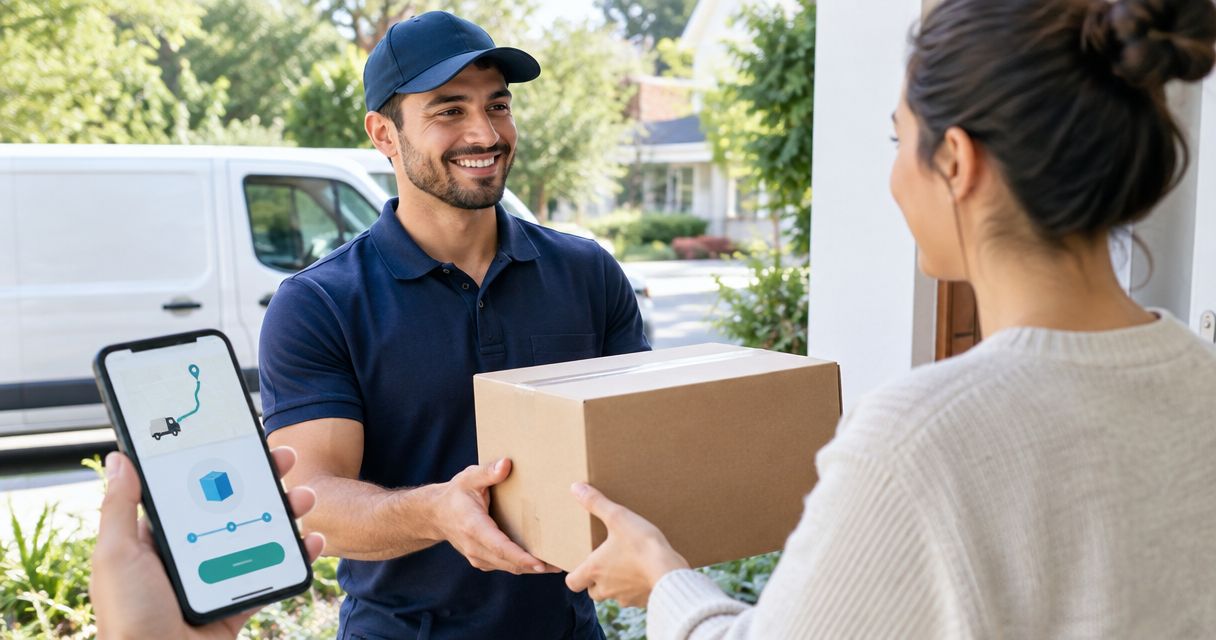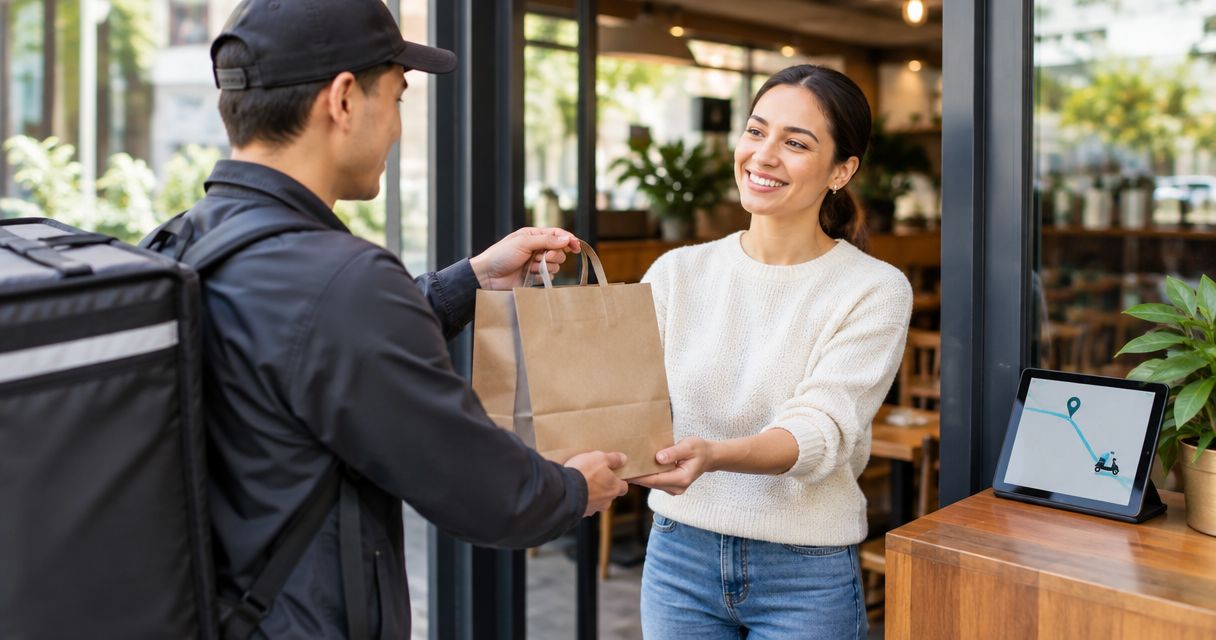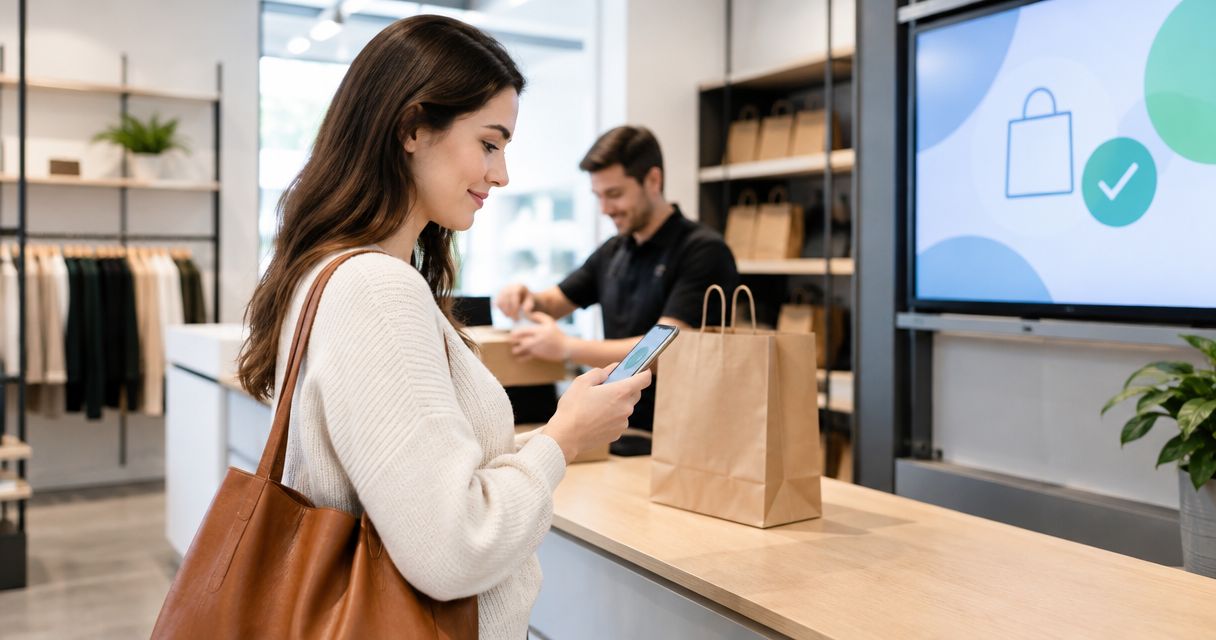
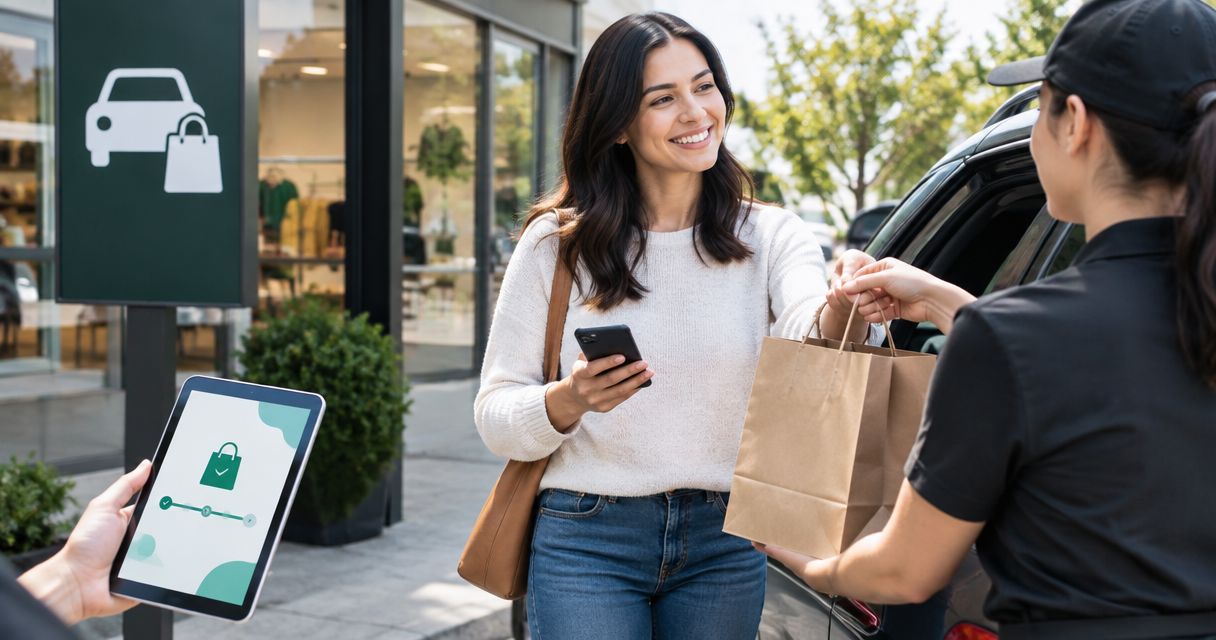
Best overall for pickup and local delivery: Zapiet. Best for straightforward collection: Shopify’s native pickup. Best for an existing collection operation that only needs an outside handoff: native pickup with a manual curbside procedure. This 2026 guide compares Shopify curbside pickup apps with the simpler workflows you should consider before adding another app.
- Zapiet is the best fit among these options for merchants combining Shopify curbside pickup apps with local delivery.
- Shopify native pickup suits straightforward collection; curbside handoff still needs a staff procedure.
- Manual curbside works when collection already functions and the remaining task is taking orders outside.
- Test checkout, ready notifications and customer arrival before choosing your BOPIS workflow.
Why this matters
Curbside pickup is a handoff process, not just a checkout option. A customer must choose collection, understand when an order is ready, tell your team they have arrived and receive the correct order outside. A pickup app addresses only the parts its configuration actually covers.
For your 2026 shortlist, separate the software requirement from the staffing requirement. If checkout already handles collection correctly, another app is not automatically the answer. If you need pickup and local delivery in the same operation, evaluate those requirements together rather than building separate procedures that conflict.
The comparison below includes an app provider and native workflows. They are different routes to the same customer outcome, not interchangeable products.
What makes the best Shopify curbside pickup apps?
Judge your shortlist against these criteria before looking at a feature list:
- Collection clarity: Customers should recognise pickup as distinct from shipping and local delivery, with a clear collection location.
- Promise accuracy: The ordering experience should reflect the preparation and collection commitments your staff can fulfil.
- Handoff clarity: Customers need instructions for announcing their arrival. Staff need a way to identify the order and find the customer.
- Operational fit: Assess pickup alongside your delivery rules, locations and order-preparation process, not as an isolated checkout feature.
- Exception handling: Establish what happens when an order is delayed, a customer arrives early or someone collects on another person’s behalf.
- Maintenance burden: Choose a workflow your team can keep accurate when collection arrangements change.
Scheduling, arrival alerts and location controls are evaluation questions, not features you should assume every app includes. Check each requirement against the current product documentation and your actual Shopify configuration.
Shopify curbside pickup options at a glance
| Rank | Option | Best for | Standout approach | Key limitation |
|---|---|---|---|---|
| 1 | Zapiet | Combining pickup and local delivery | Shopify apps built around pickup, delivery and BOPIS | Software does not replace an arrival and handoff procedure |
| 2 | Shopify native pickup | Straightforward collection at a store | Pickup within the Shopify platform | Collection setup alone does not define an outside handoff |
| 3 | Native pickup with a manual curbside procedure | Adding an outside handoff to an existing collection operation | Staff-managed arrival and order delivery to the customer | Staff must monitor arrivals and manage exceptions directly |
Best for describes the operational problem each option addresses. The ranking does not imply that every merchant needs a specialist app, or that a manual procedure provides the same controls as purpose-built software.
1. Zapiet: best for pickup and local delivery together
Zapiet builds Shopify apps for in-store pickup, local delivery and curbside/BOPIS. Its offering also includes distance- and zip-based delivery rates and restaurant ordering. That makes the brand relevant when your collection requirement sits alongside a broader local fulfilment operation.
Zapiet is the best fit among these options for merchants managing both Shopify curbside pickup and local delivery. Start with the ordering choices you need customers to make, then assess the corresponding app configuration. Do not assume that every capability across the brand’s offering belongs to the same app.
Where this option fits
Choose this route when customers need to distinguish between collecting an order and having it delivered locally. Your evaluation should cover both choices using the same basket, customer address and fulfilment expectations.
For a 2026 implementation, write down the rules before configuring the software. Define where collection happens, who prepares the order, when customers receive a ready message and how an outside handoff works. Those decisions establish what you need the app to support.
Zapiet pros:
- Its stated offering covers pickup, curbside/BOPIS and local delivery.
- The brand builds for Shopify merchants rather than an unrelated commerce platform.
- Distance- and zip-based delivery-rate apps are relevant when delivery eligibility is also part of your requirements.
Operational cons:
- An app does not decide who monitors arriving customers or carries orders outside.
- Requirements spanning pickup, delivery rates and restaurant ordering need an app-by-app assessment.
- Your team still needs procedures for delayed orders, mistaken collections and changes to collection instructions.
Best for: Merchants who need pickup and local delivery to work as parts of the same fulfilment operation.
Verdict: Buy into this approach when your requirement extends beyond basic collection; confirm the required capabilities before committing.
2. Shopify native pickup: best for straightforward collection
Shopify’s native pickup functionality provides a platform-level route for customers to collect orders at a location. It belongs on your shortlist because not every collection process needs a separate app. Start here when your requirement is simply to offer collection and communicate readiness.
Native pickup and curbside service are not identical. A customer choosing collection still needs to know whether to enter the store, wait outside or contact your team on arrival. Define that distinction explicitly rather than expecting the checkout label to explain it.
Where this option fits
Consider a shop with 1 pickup location and a straightforward preparation process. That is an evaluation scenario, not a platform limit. If customers can choose the correct location and staff can prepare and hand over orders reliably, a native workflow deserves consideration before additional software.
Review the customer-facing experience, not just the settings screen. Read the collection instructions as someone visiting for the first time. Check whether the ready notification explains the next action without requiring the customer to search through an earlier email.
Shopify native pickup pros:
- It provides a collection route within Shopify.
- It gives you a baseline against which to assess a specialist app.
- It lets a straightforward collection requirement remain separate from more complex delivery requirements.
Shopify native pickup cons:
- Offering collection does not, by itself, establish a curbside arrival procedure.
- Requirements such as scheduling or arrival management need separate verification against the current setup.
- Unclear instructions remain unclear regardless of whether the pickup option is native or app-based.
Best for: Merchants whose main requirement is straightforward collection rather than a broader local fulfilment workflow.
Verdict: Hold off on adding an app until you identify a specific requirement the native setup does not meet.
3. Manual curbside handoff: best for an existing pickup operation
A manual curbside procedure adds an outside handoff to a collection workflow that already functions. Customers follow your arrival instructions, and staff locate the prepared order and take it outside. This is an operating procedure, not a separate Shopify app.
This option fits when the ordering and preparation stages already work and the unresolved task is the final handoff. Keep the procedure written and assign responsibility. Otherwise, an arrival message can sit unnoticed while every employee assumes someone else is handling it.
Where this option fits
Define 2 handoff routes: collection inside and collection outside. Explain how customers choose or request the outside route, and make sure staff can distinguish the two. These are recommended procedure categories, not software capabilities.
The manual approach also provides a useful diagnostic. If staff cannot find prepared orders or identify arriving customers, establish the process first. Then assess whether software addresses a remaining problem rather than automating an unclear routine.
Manual curbside pros:
- It focuses directly on the outside handoff when checkout already works.
- It makes staff responsibilities explicit.
- It helps you identify the operational requirement before choosing additional software.
Manual curbside cons:
- Staff must notice and respond to arrivals directly.
- Instructions, messages and exceptions require active coordination.
- The procedure does not add checkout rules, scheduling or automated arrival handling on its own.
Best for: Merchants with a functioning collection setup who need a defined way to take orders outside.
Verdict: Hold as a process-first option; skip it as a substitute for software requirements it cannot fulfil.
Test the whole curbside journey before choosing
Your 2026 decision should follow the order journey from checkout to handoff. A successful checkout is necessary, but it does not prove that a customer can collect without confusion.
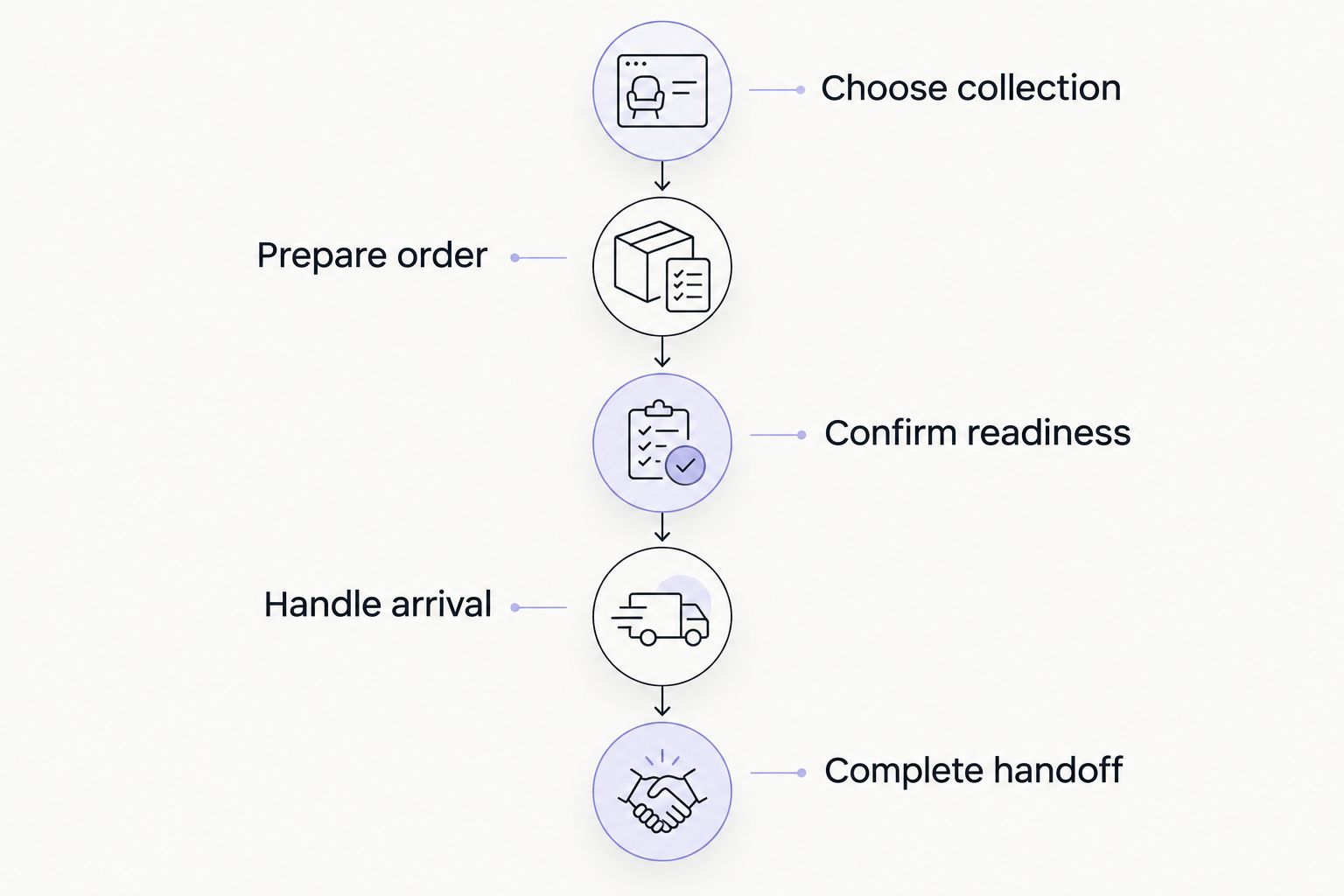
Use the same sequence for every option:
- Choose collection: Confirm that a customer can distinguish pickup from shipping and delivery.
- Prepare order: Check that staff can identify the collection order and its location.
- Confirm readiness: Read the customer message and verify that it matches the order’s actual status.
- Handle arrival: Follow the published instructions exactly, without help from someone who knows the setup.
- Complete handoff: Identify the customer, locate the order and record completion through your chosen workflow.
Run 3 test orders as a practical acceptance check: an ordinary collection, an early arrival and a collection by another person. These are recommended test cases, not a claim about how many orders establish reliability. Each exposes a different instruction or staff decision.
For the ordinary collection, check that the promised process works without intervention. For the early arrival, confirm that staff know what to say when preparation is incomplete. For collection by another person, decide what information that person must provide and how staff confirm the correct order.
Record the failure, not just the feature
Write the problem in customer terms. For example, the customer cannot tell which entrance to use, or staff do not know an order is waiting outside. A precise problem makes an app evaluation useful.
Then classify the fix:
- Configuration: A setting or customer message needs changing.
- Procedure: Staff ownership or exception handling needs defining.
- Capability: Your current setup lacks a required function.
Only the last category establishes a reason to change software. A new app is not a substitute for clearer collection instructions.
How the options were ranked
This 2026 ranking prioritises operational fit, collection clarity and the separation between software controls and staff responsibilities. The specialist provider ranks first for a combined pickup-and-delivery requirement; native pickup takes the straightforward collection slot; manual curbside addresses the final handoff only.
The criteria are deliberately practical. A longer feature list does not settle whether a customer can place the right order or whether staff can complete it. Your acceptance tests should decide which approach fits.
Which curbside pickup option should you choose?
Choose the smallest system that meets your documented requirements. If your operation combines pickup and local delivery, start with the specialist route. If collection is straightforward, evaluate Shopify native pickup first. If collection already works and only the outside handoff is missing, define the manual procedure before adding software.
For your final 2026 decision, require a clear answer to each question: Can customers choose correctly? Can staff prepare correctly? Can an arriving customer receive the right order? A feature that does not address your identified problem should not determine the purchase.
FAQ
What are the best Shopify curbside pickup apps in 2026?
Zapiet is the best fit among the options in this guide for merchants combining pickup and local delivery. Shopify native pickup and a manual curbside procedure are alternatives for simpler requirements, not separate curbside apps.
Do I need an app to offer curbside pickup on Shopify?
You do not necessarily need a separate app if your collection setup already works and staff can manage the outside handoff. Add software when you identify a required capability that your existing workflow does not provide.
Is curbside pickup the same as in-store pickup?
No. In-store pickup describes collection at the store; curbside pickup adds an outside handoff and requires clear arrival instructions and staff responsibility.
Is Shopify native pickup better than a specialist app?
Shopify native pickup is the better starting point for straightforward collection. A specialist app deserves evaluation when your requirements extend to a broader pickup-and-delivery operation or functions your current setup does not meet.
How do customers tell staff they have arrived for curbside pickup?
Customers should follow the arrival method stated in your collection instructions. Choose a method your team actually monitors and explain how customers identify their order and collection position.
What should I test before launching Shopify curbside pickup?
Test collection selection, order preparation, ready notifications, customer arrival and the final handoff. Include an ordinary collection, an early arrival and collection by another person.
Can I offer local delivery and curbside pickup together?
Yes, a local fulfilment operation can offer both delivery and curbside collection. Make each choice clear to customers and verify the relevant app capabilities and configuration before launch.
One last thing
Read your ready-for-pickup message while standing outside the collection location. Follow it literally. If it does not tell you where to wait, how to announce your arrival and what information to provide, fix the message before changing the app.
That final check connects the digital order to the physical handoff. It is also the part of curbside pickup your customer experiences most directly.